
Create your Alano CRM account (Free)
Start using Alano CRM for free in just a few steps. No setup, no credit card, full access to all AI-powered features.
On this page
What you will need
An email address or a Google account
(Optional but recommended) LinkedIn for deeper contact enrichment.
Step 1: Go to Alano CRM
Visit https://alano.ai and click Sign In at the top right.
You’ll be taken to the Alano sign-in page.

Step 2: Choose your sign-in method
On the sign-in screen, choose one of the following options:
-
Sign in with Google (fastest)
-
Email verification code (no password required)
New user? Any sign-in method will automatically create your account.
By signing in, you agree to Alano’s Terms & Privacy Policy.
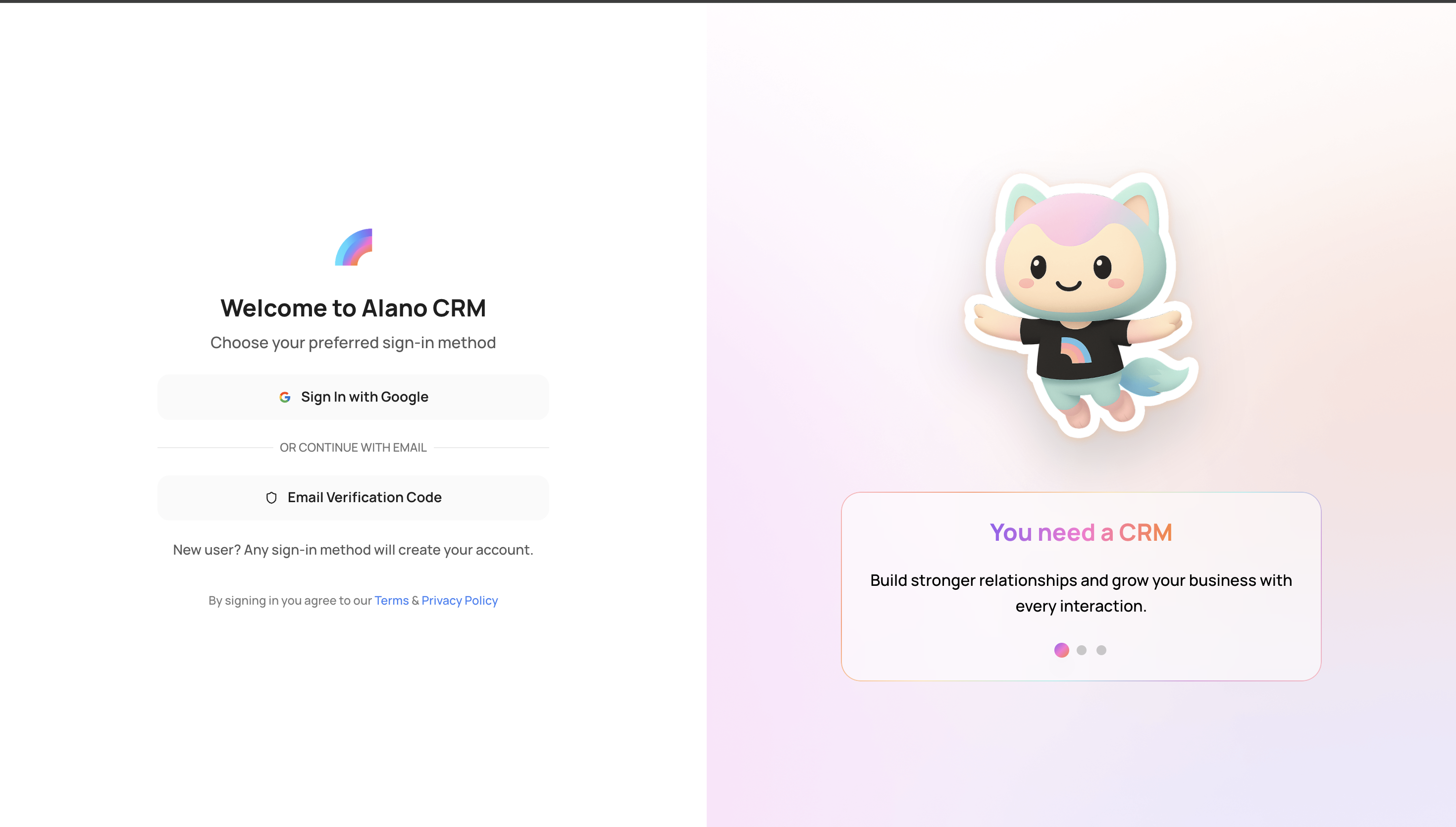
Step 3: Choose how you want to use Alano
After signing in, you’ll see a welcome screen asking how you’d like to use Alano:
-
Personal CRM
Manage your personal contacts and relationships -
Organization
Collaborate with your team, manage shared pipelines, and track deals together
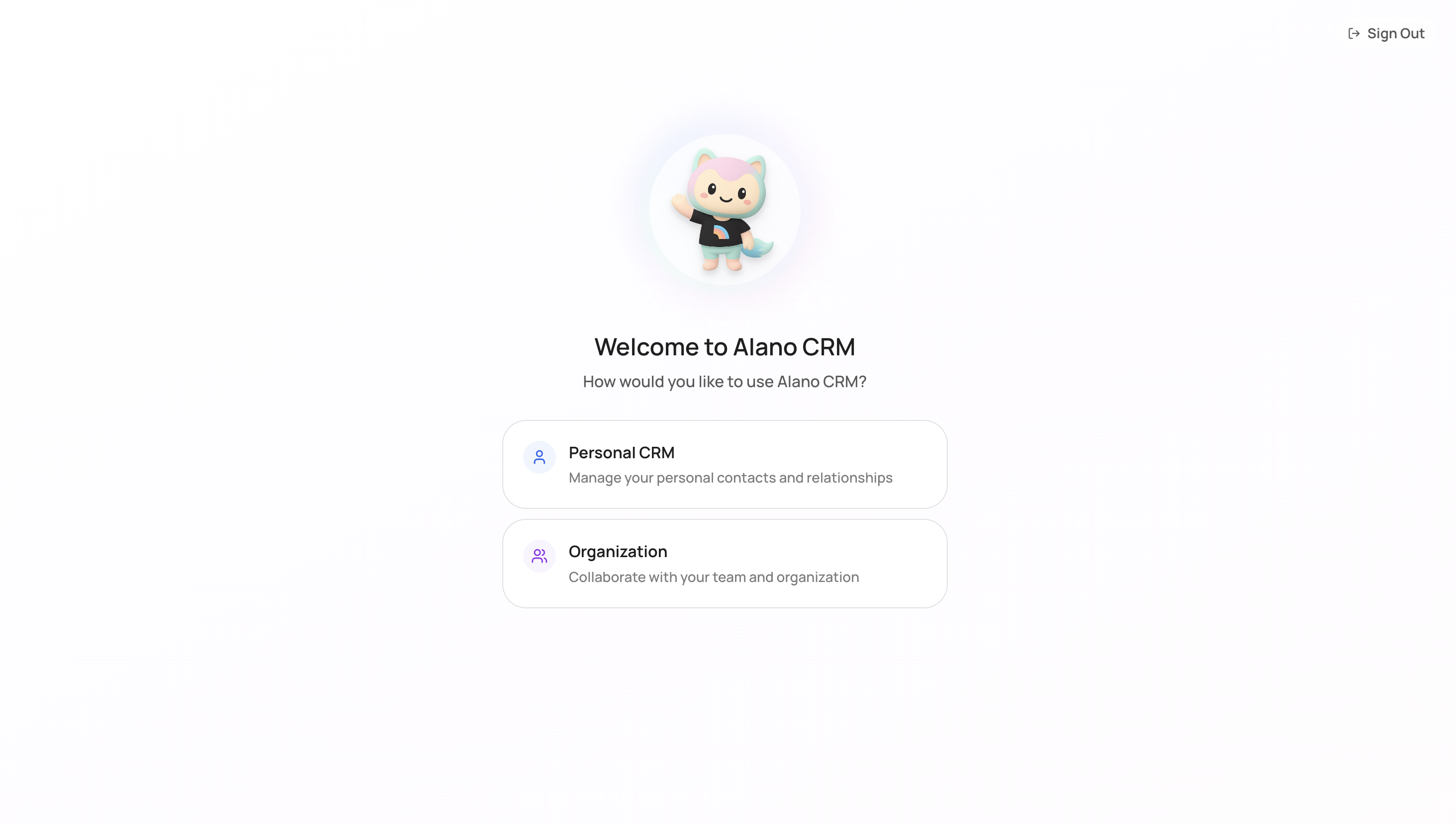
You can always switch or add organizations later.
Step 4: Access your dashboard
Once completed, you’ll land on your Alano CRM dashboard, where you can:
-
Add contacts and customers
-
Track deals and tasks
-
View AI-powered insights
-
Manage notes with Alanotes
-
Collaborate with your team
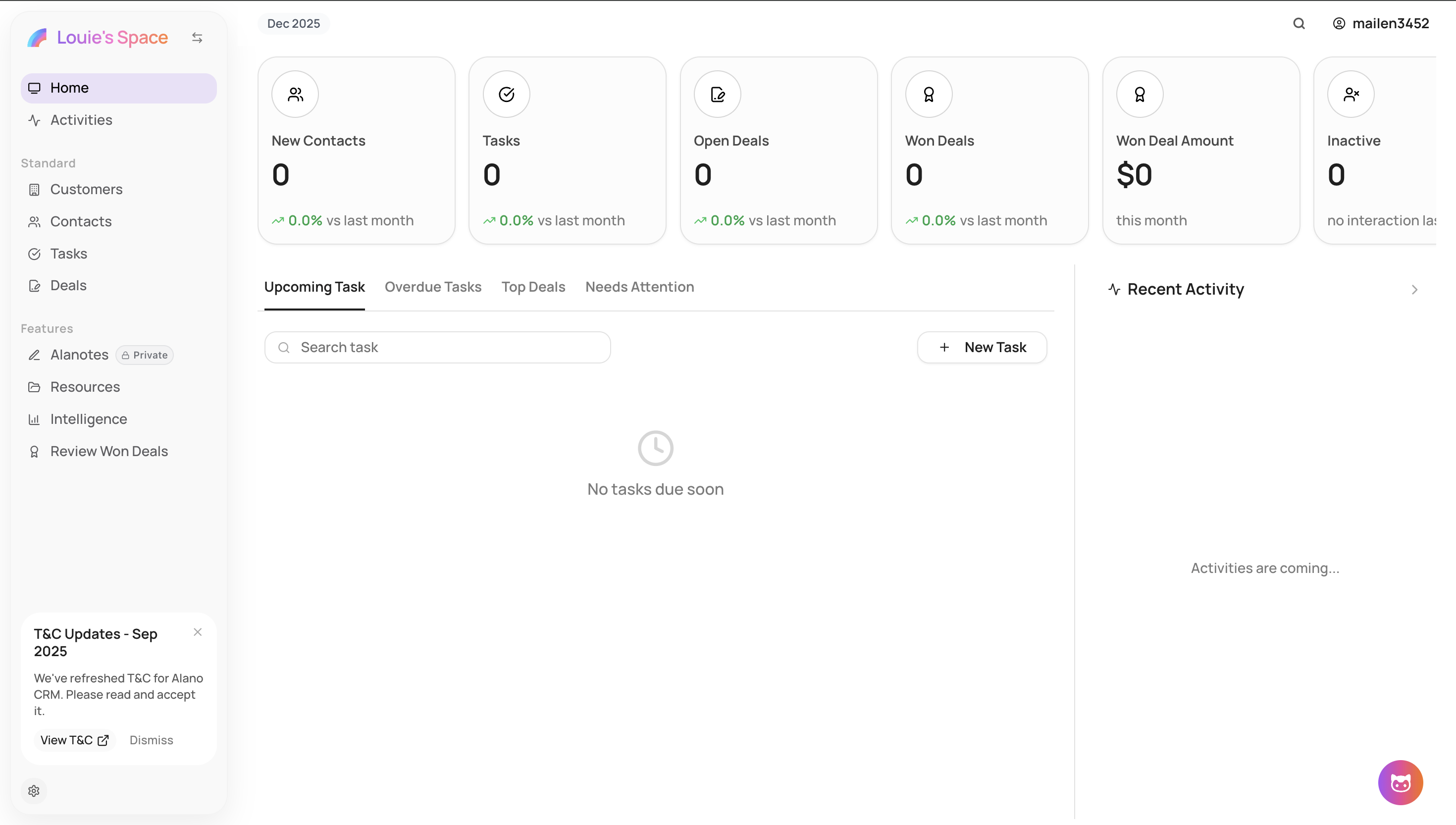
There’s no setup required; Alano is ready to use immediately.
Important: Alano is free for all users
🎉 Alano currently offers a FREE plan with full access to all core features.
-
No credit card required
-
No feature lock during onboarding
-
Designed for individuals, startups, and growing teams
You can upgrade later only if you need advanced limits or priority support.
Step 5 (Recommended): Install the Alano CRM Extension
To unlock the best experience - especially for LinkedIn workflows - we highly recommend installing the Alano CRM browser extension.
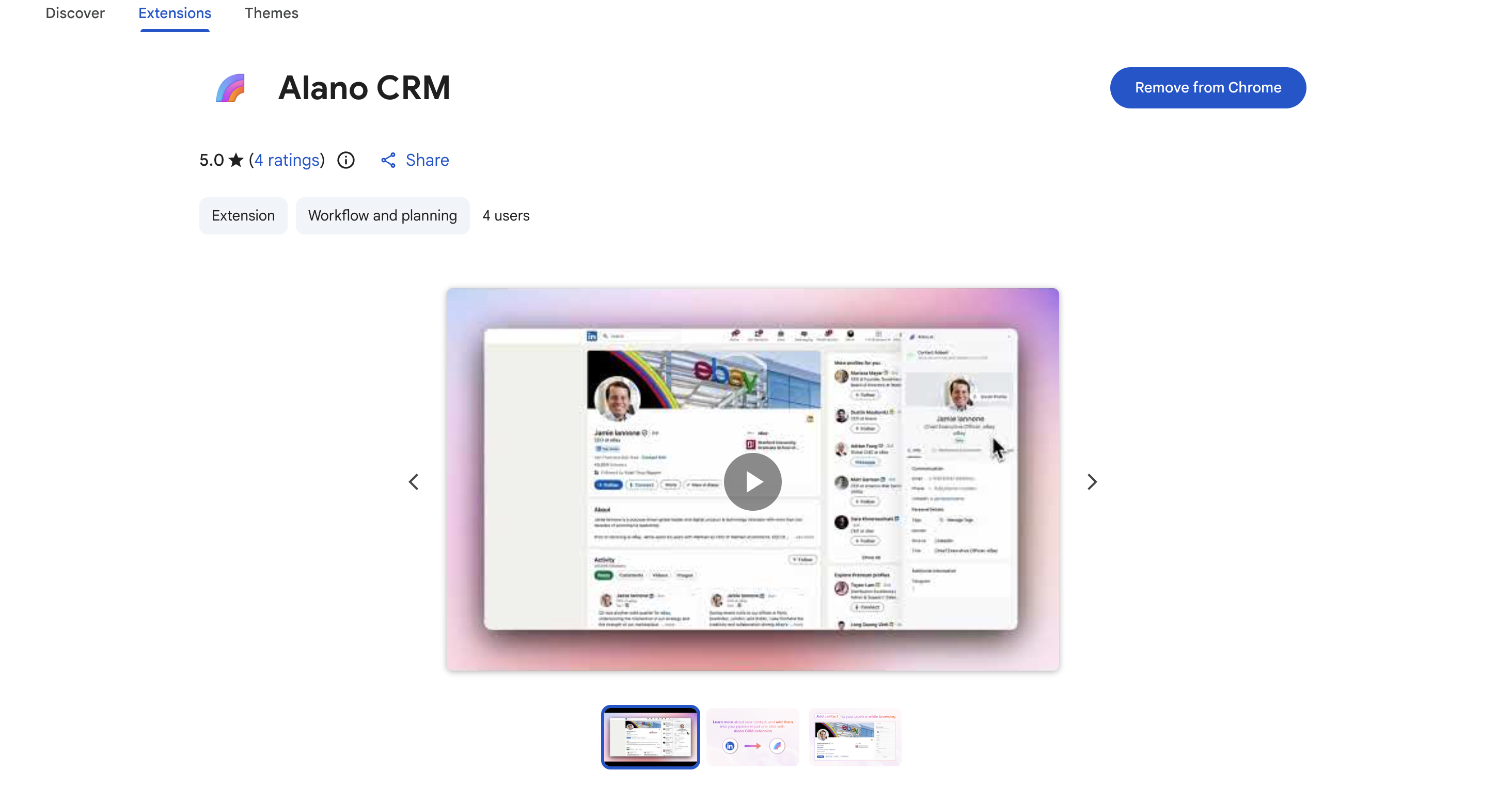
With the extension, you can:
-
Capture LinkedIn profiles directly into Alano
-
Enrich contacts automatically with AI
-
Avoid manual copy-paste
-
Keep LinkedIn, CRM, and notes fully connected
👉 Download the Alano CRM Extension(Chrome / Chromium-based browsers).