Intelligence Data
Data Intelligence gives you a 360-degree view of your organization and team's performance through pre-built analytics views.
On this page
How to use it
-
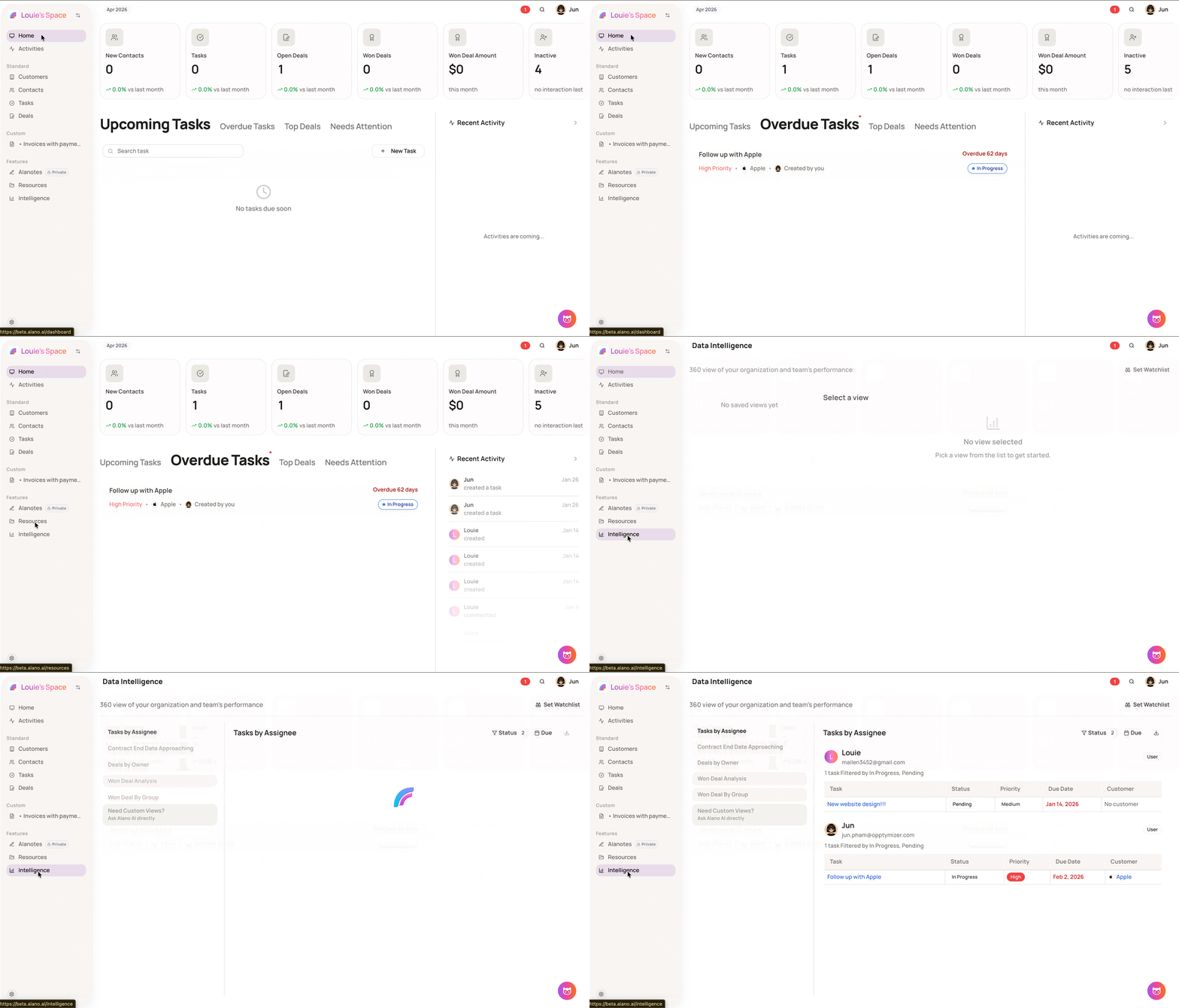
On the left sidebar, click Intelligence
-
Select a view from the left panel to load the report
-
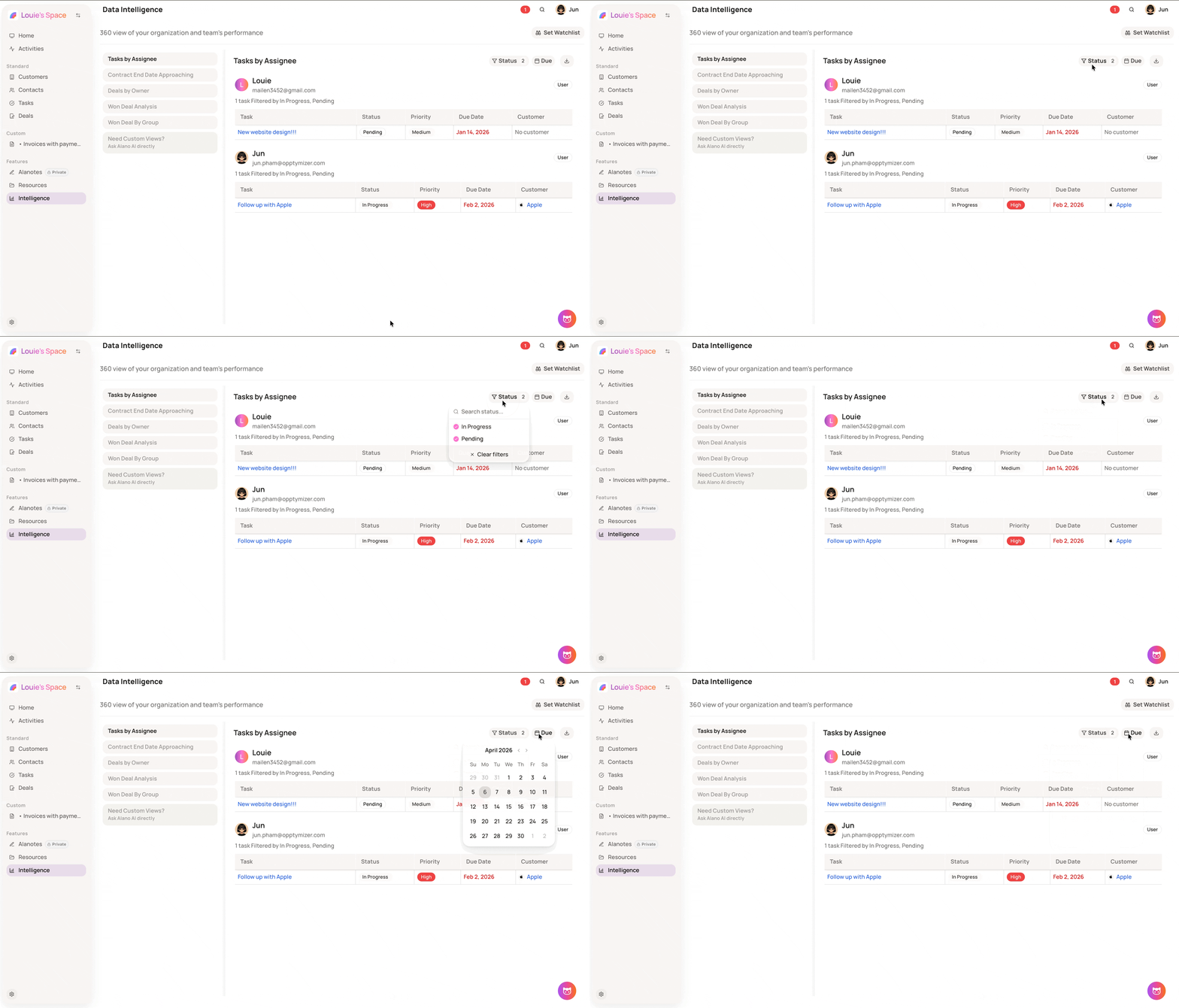
Use the filter options at the top right to refine the data, or click the download icon to export
Available views
- Tasks by Assignee — shows each team member’s open tasks with status, priority, due date, and linked customer
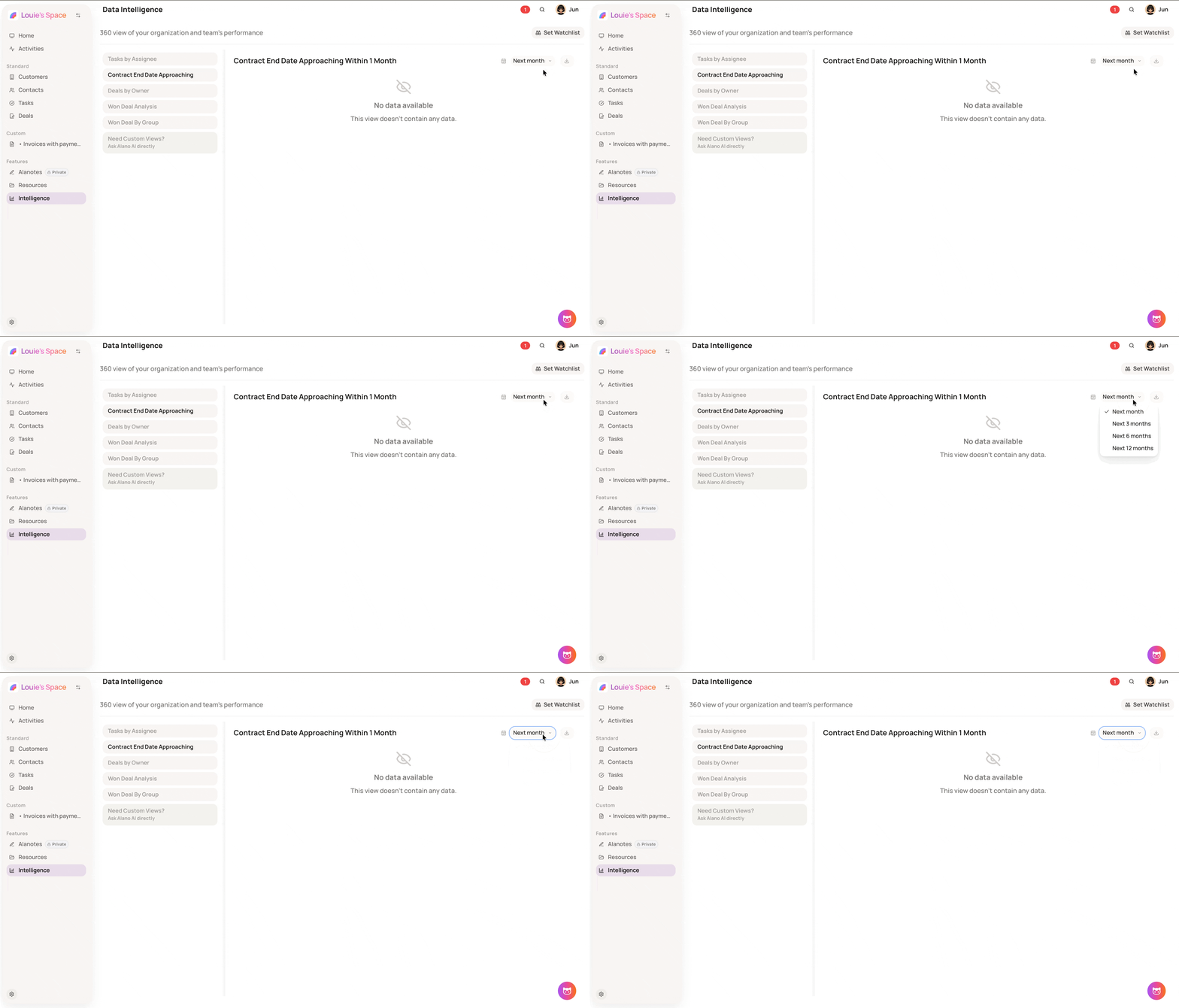
- Contract End Date Approaching — lists contracts expiring within a selected time period
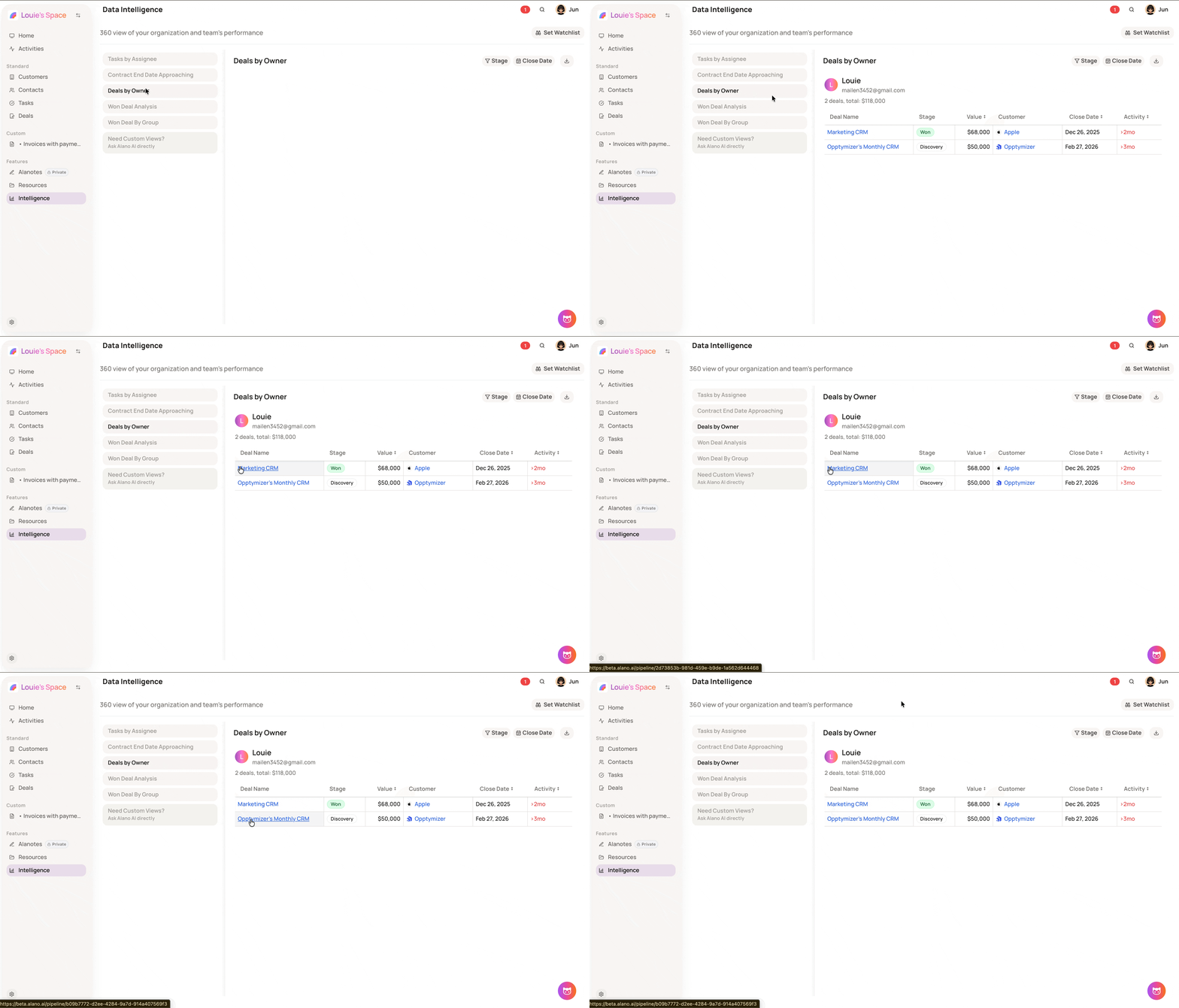
- Deals by Owner — shows each team member’s deals with stage, value, customer, close date, and last activity
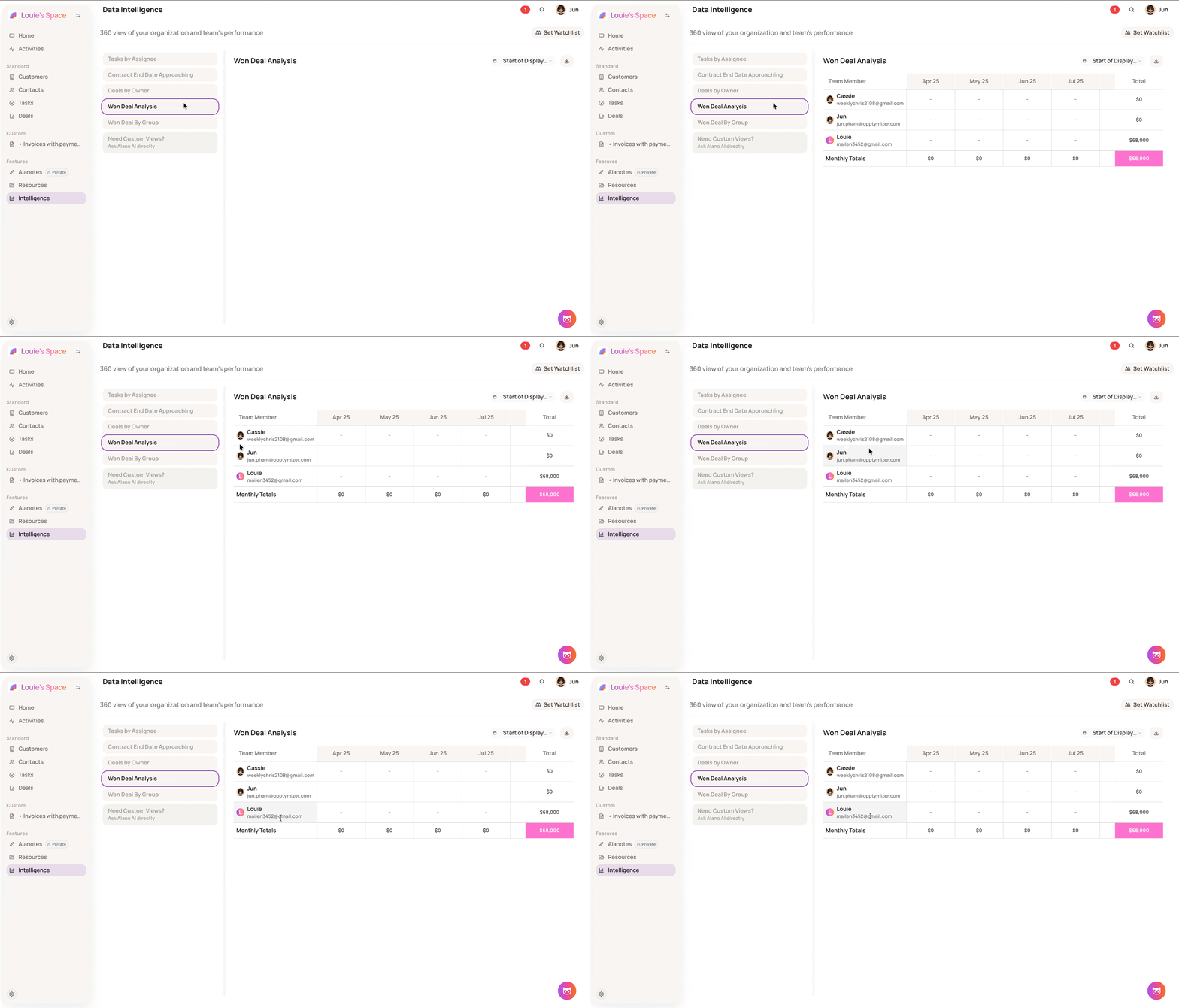
- Won Deal Analysis — displays won deal value per team member, broken down by month, with totals
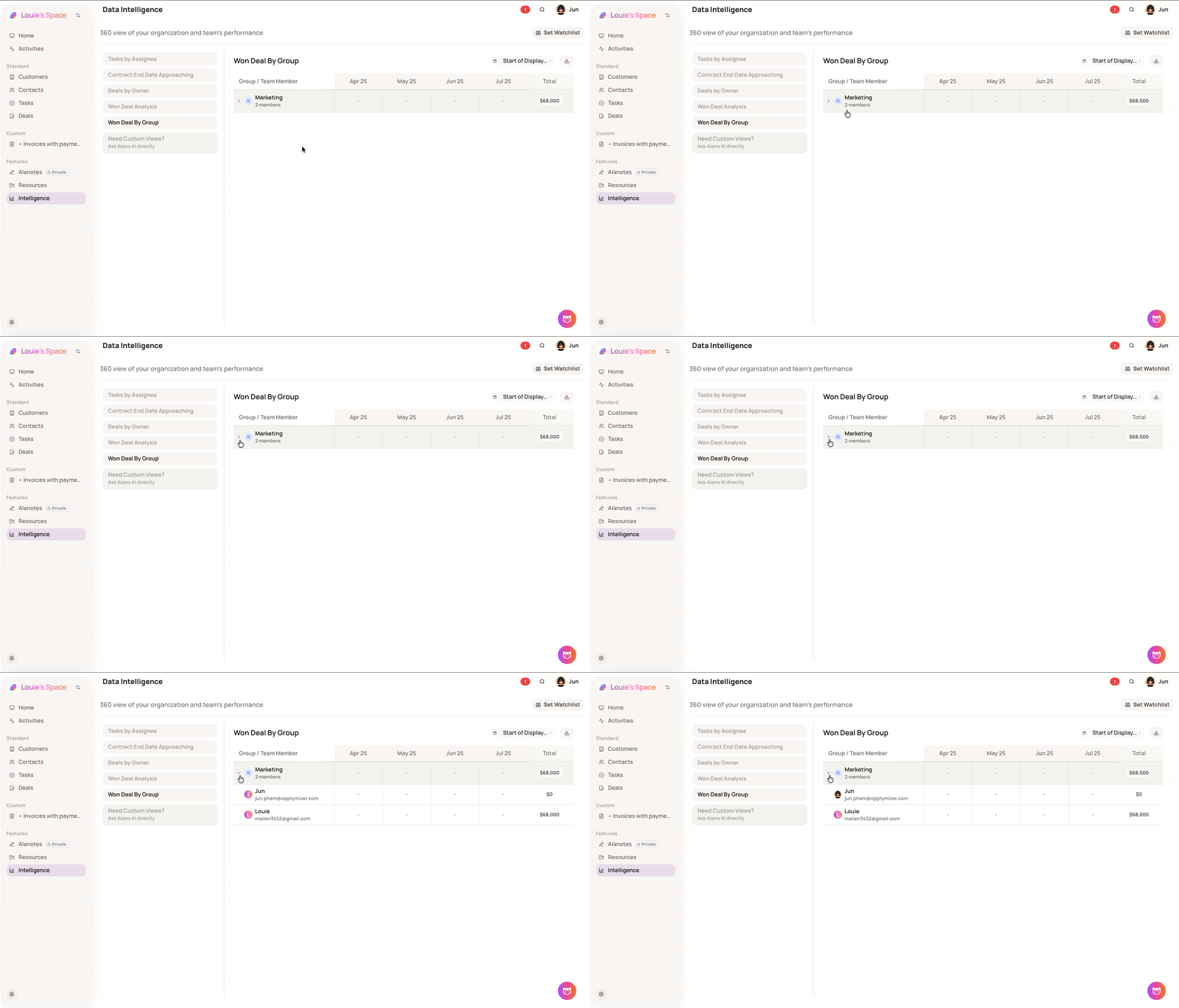
- Won Deal By Group — shows won deal totals grouped by team, expandable to show individual members