Create Note
Alanotes lets you create private notes just for yourself, perfect for ideas, planning, or quick documentation.
On this page
How it works
Step 1: Open Alanotes
- Go to Features → Notes from the main menu.
Step 2: Create a note
-
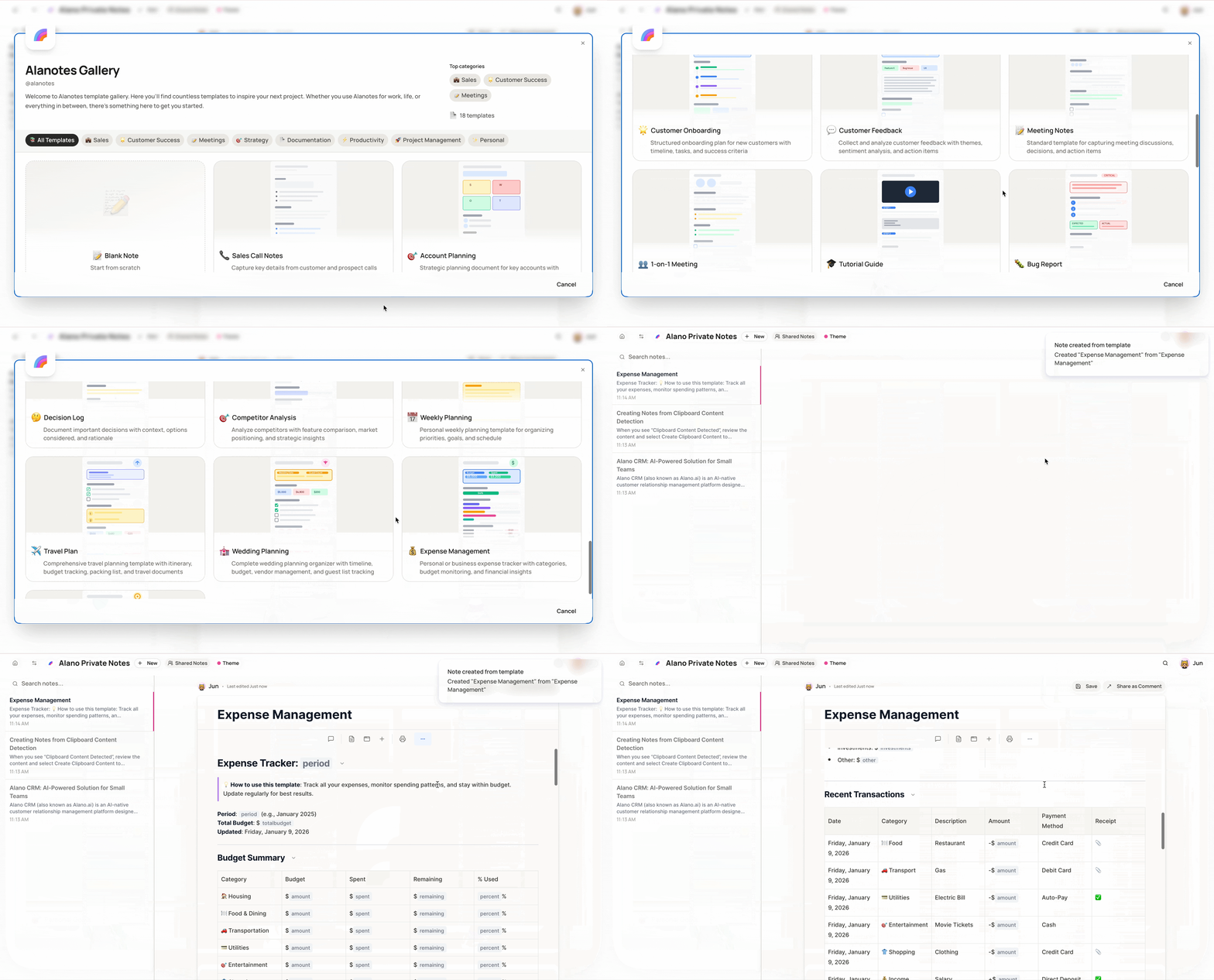
Select New to start a blank note, or
-
Scroll through the Templates Gallery and choose a template that fits your needs.
Available templates include:
-
Sales
-
Customer Success
-
Meetings
-
Strategy
-
Documentation
-
Productivity
-
Project Management
-
Personal
Step 3: Create from clipboard (optional)
-
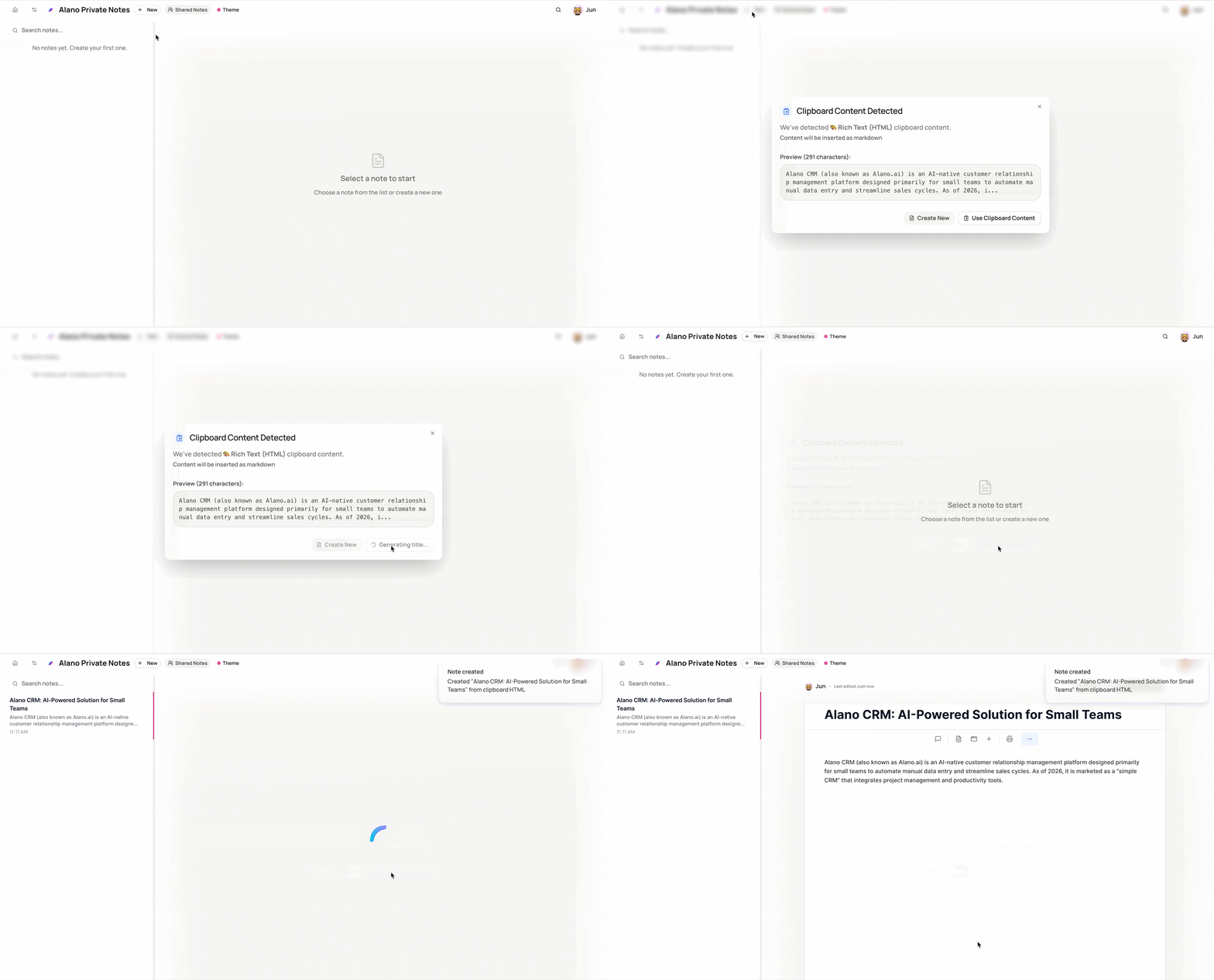
If you’ve copied text before opening Alanotes, Alano will detect it automatically.
When you see “Clipboard Content Detected”, review the content and select Create Clipboard Content to turn it into a note instantly.