
Contact Profile Enrichment
Contact Profile Enrichment helps you enhance existing customer or contact profiles using Alano AI.
On this page
It automatically fills in missing information so you can better understand your leads without manual research or external searching.
This feature is especially useful for:
-
Incomplete contact profiles
-
New leads with minimal information
-
Contacts imported from external sources
You can review and adjust the enriched information before saving.
Step 1: Select a contact or customer profile
-
Choose profiles that have limited or missing information for the best results
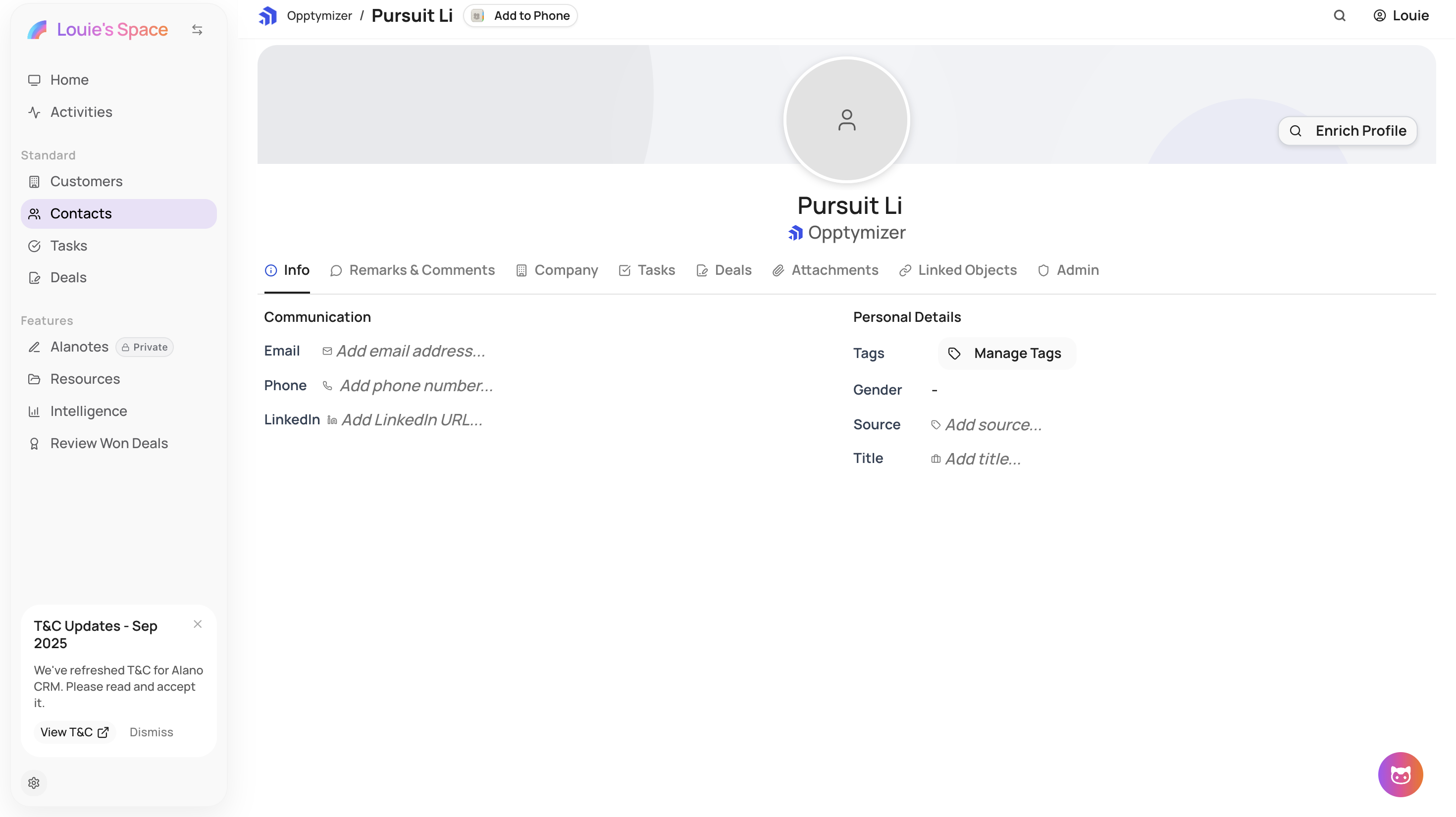
Step 2: Start enrichment
-
Click Enrich Profile
-
Alano AI begins analyzing and enriching the selected profile
Step 3: Review enriched information
Once enrichment is complete, review the newly added information.
You can:
-
Edit fields manually
-
Remove information you don’t want to keep
-
Adjust details based on your preferences
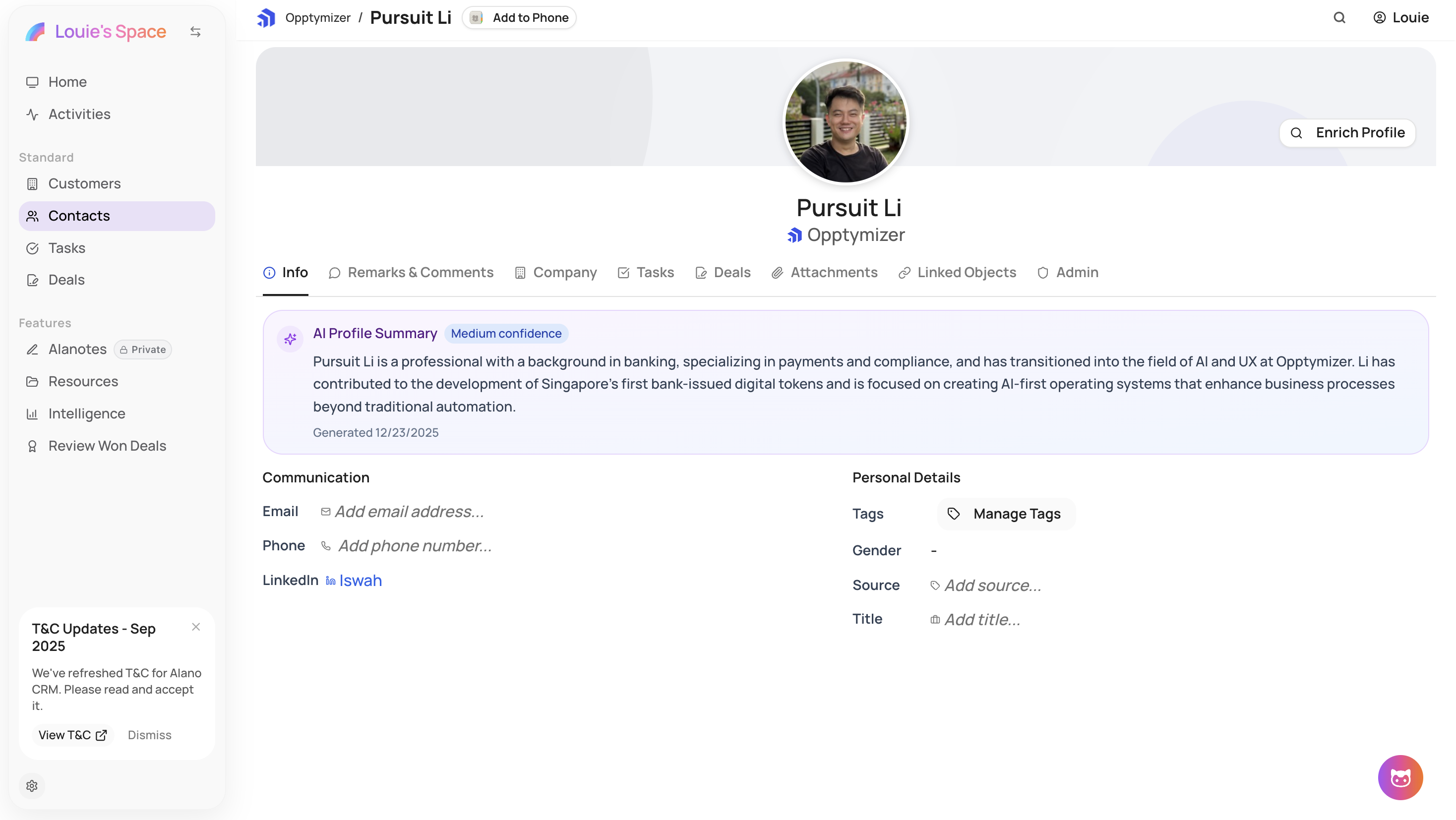
Step 4: Save updates
After reviewing, save the updated profile to apply the enriched information to your CRM.
What’s next
With enriched profiles, you can:
-
Qualify leads more accurately
-
Personalize outreach and follow-ups
-
Use enriched data for AI scoring and workflows
Contact Profile Enrichment helps you keep your CRM complete, accurate, and always up-to-date.