
Deal Visibility Restrictions
Deal Visibility Restrictions control which group can see a deal within your organization.
By default, if no group owner is set, all organization members can view the deal.
Step 1: Open a Deal
-
Go to Deals
-
Open the deal you want to manage
-
Click on the Admin tab
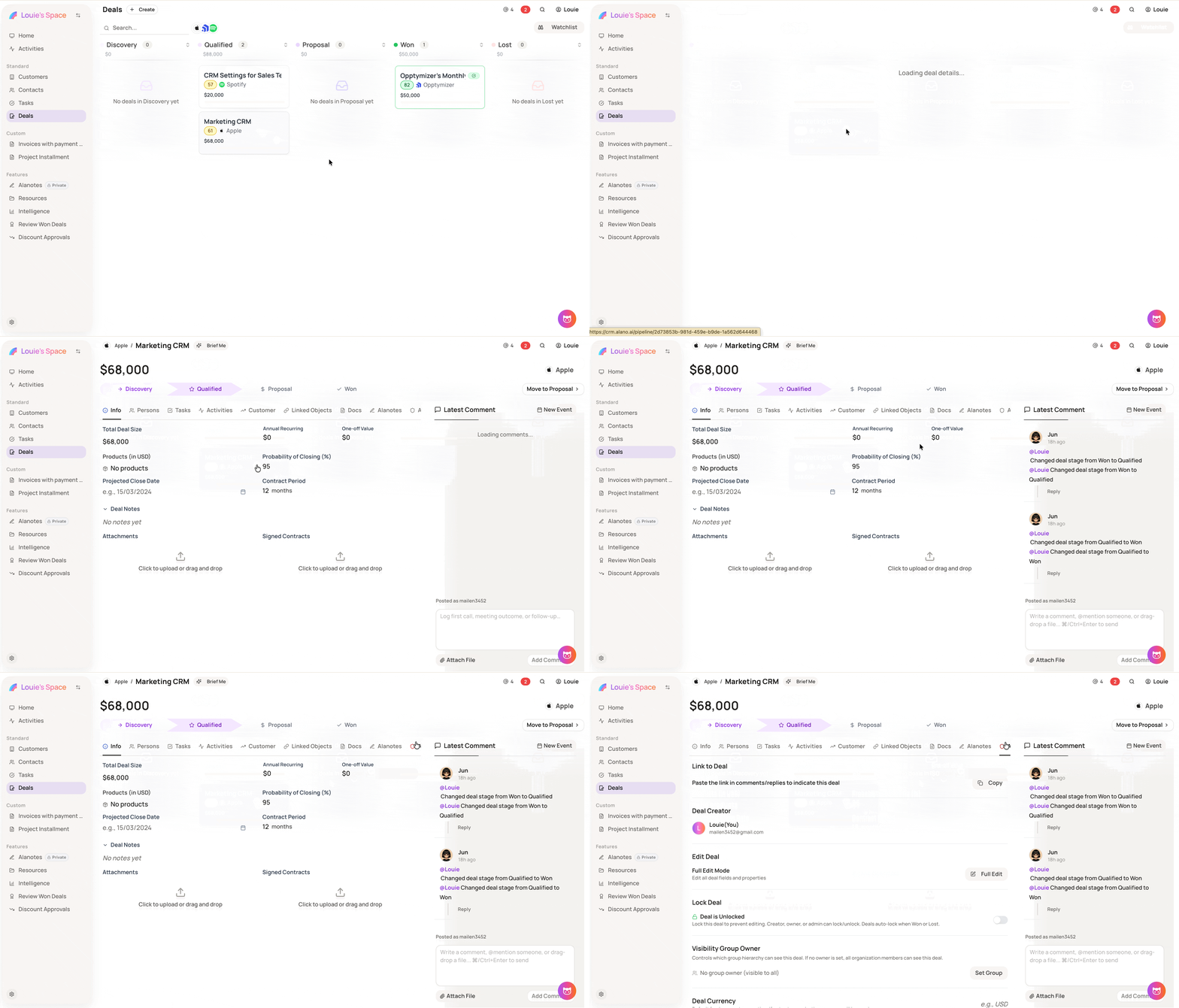
Step 2: Set a Visibility Group Owner
-
Locate Visibility Group Owner
-
Click Set Group
Step 3: Select the group
-
Search for or select the group that should have access to this deal
-
Click Set as Owner to apply
In case of
-
If no group owner is set, the deal is visible to all organization members
-
You can update the visibility group at any time from the Admin tab