
Real-time Collaboration
Use notes together - live, in the same doc.
On this page
How to use
-
Open the note you want to collaborate on
-
Click Shared Notes (or choose a shared note from the sidebar)
-
Start typing! Teammates’ edits will appear instantly, with their name + cursor shown in real time
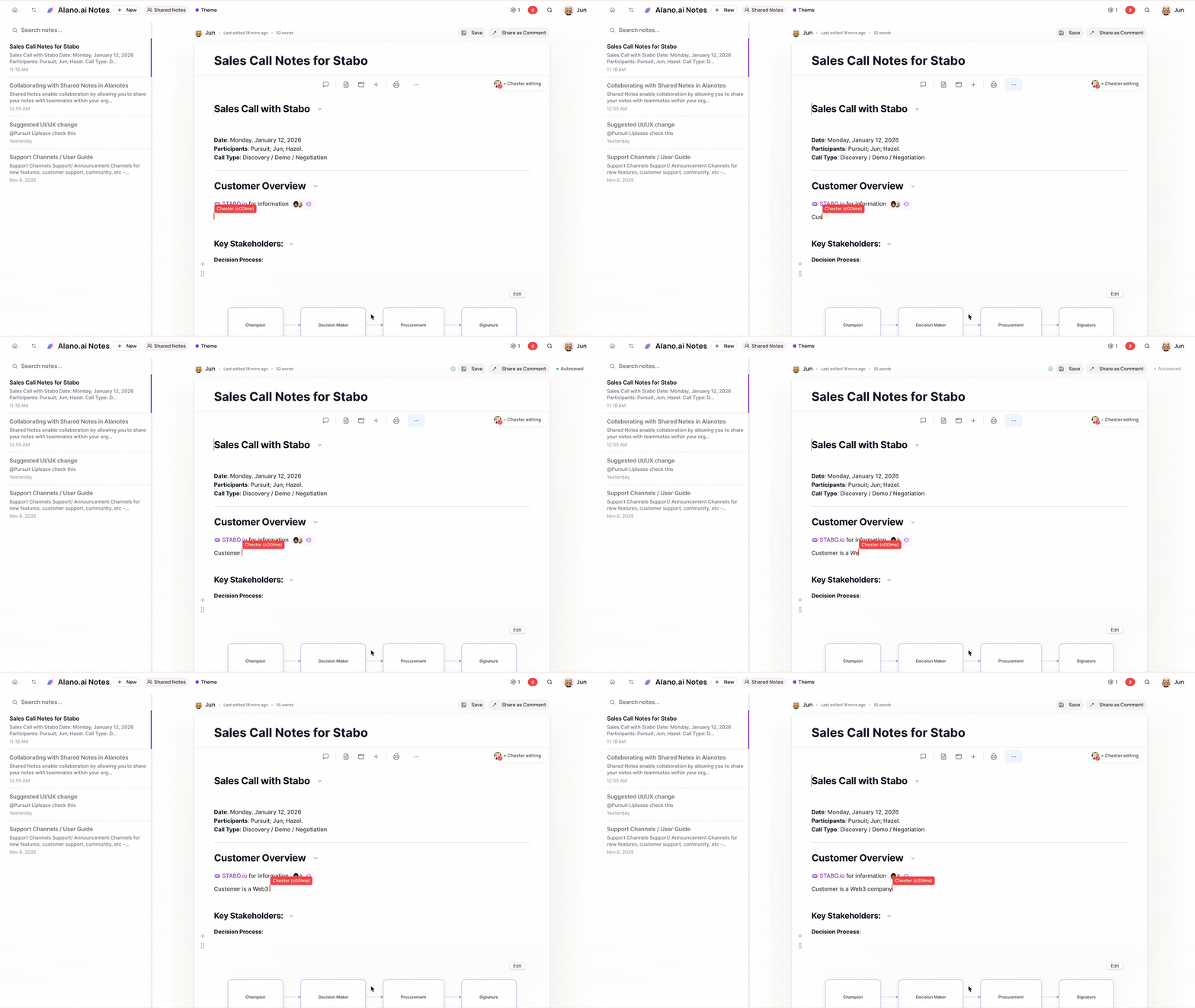
Perfect for live sales calls, handoffs, and quick internal alignment.