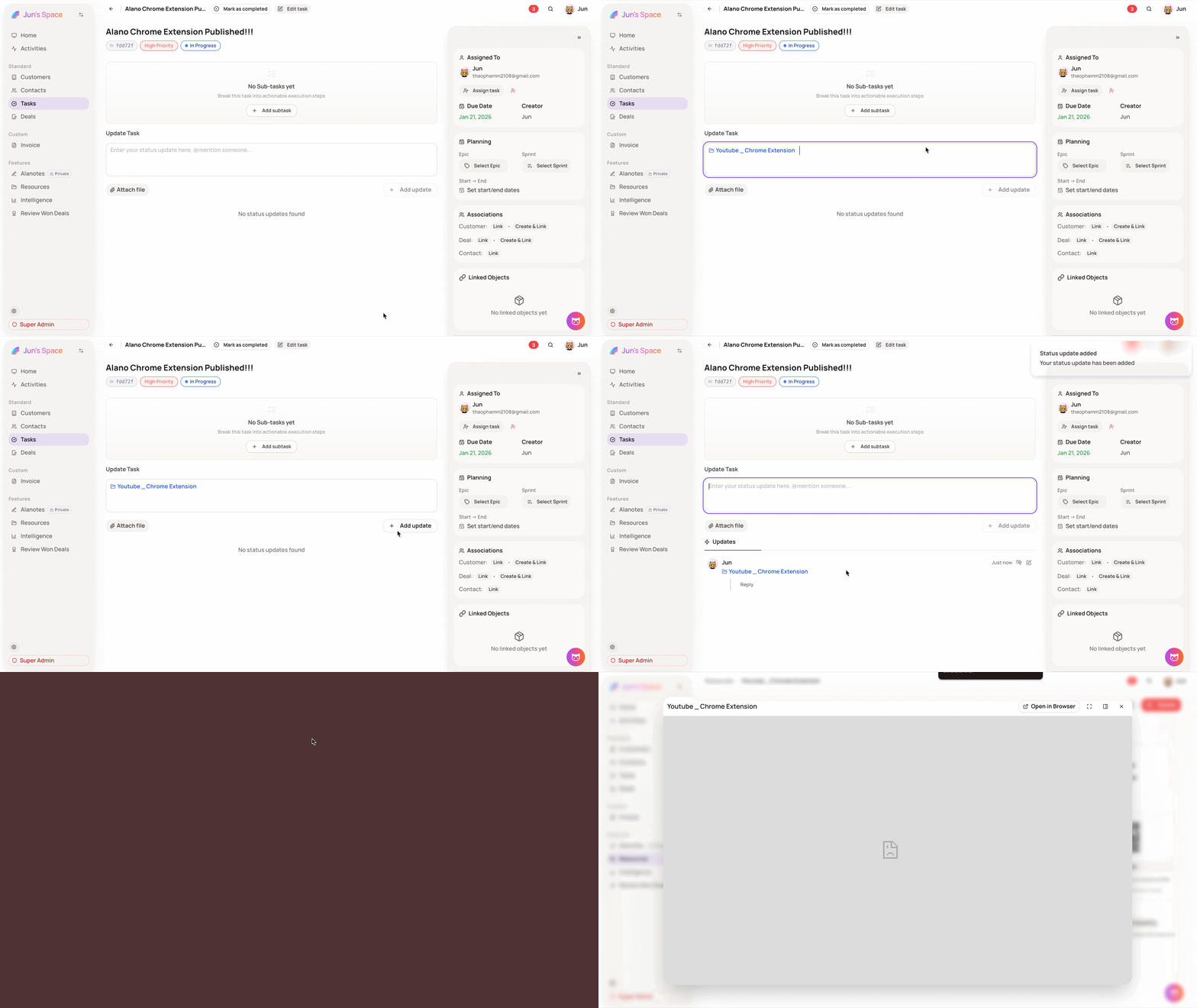
Generate Shareable Link
Quickly share a resource with your team using a direct link.
On this page
How it works
-
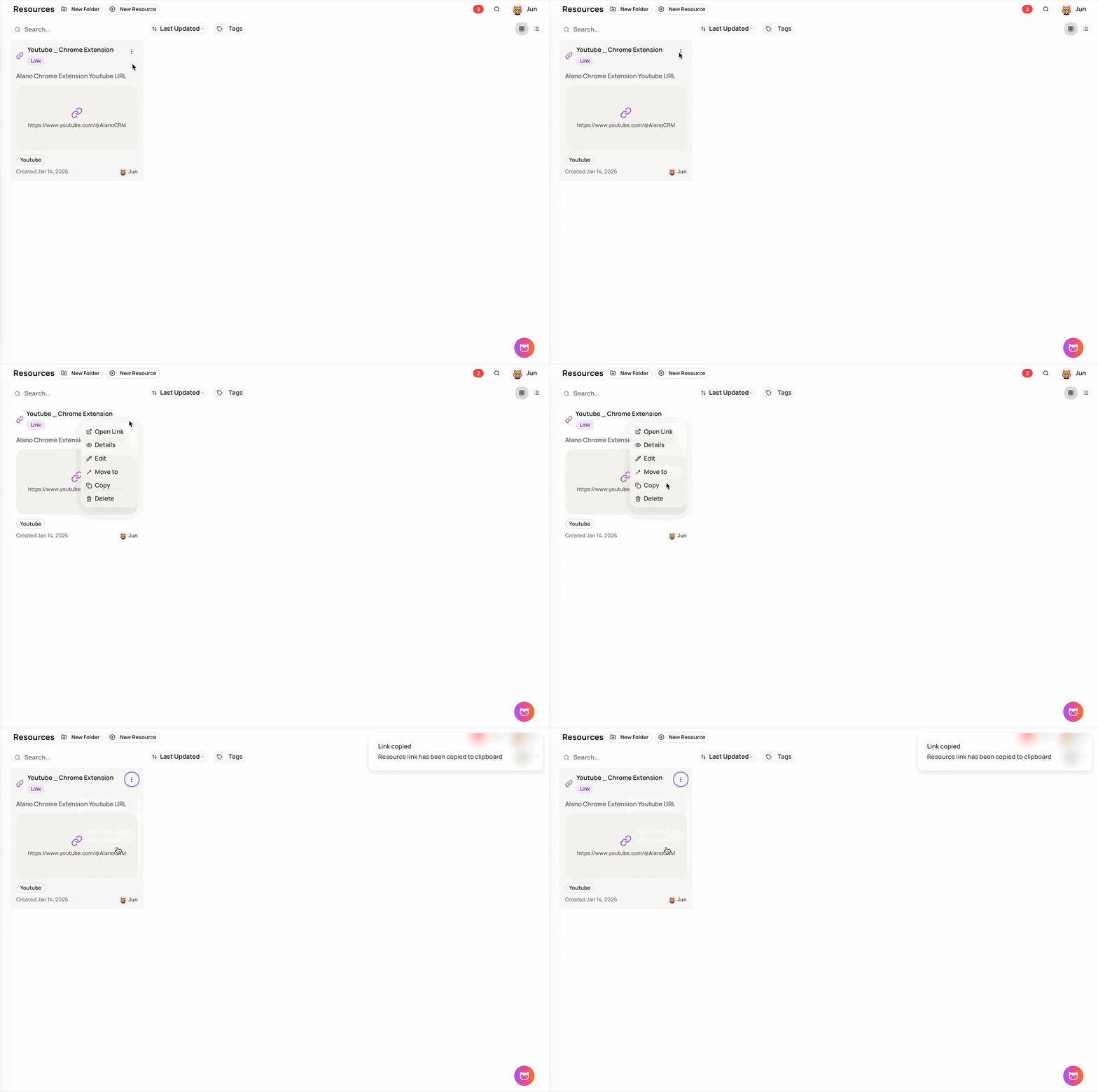
Go to Features → Resources
-
Select the resource you want to share
-
On the right side of the file, click Copy
-
The shareable link is instantly copied to your clipboard
Paste this link in comments, notes, or chats so teammates can access the resource in one click.